I Paid for Data in Japan and Still Ended Up Hunting for Wi-Fi
You’d think that in 2025, staying connected in one of the world’s most tech-advanced countries would be easy, right? Wrong.
When you travel to Japan, you probably assume free Wi-Fi is everywhere – at train stations, cafés, tourist spots. After all, this is the country that gave us bullet trains and robot hotels.
But here’s what nobody tells you: Japan’s public Wi-Fi is surprisingly unreliable, and even paid data plans can fail you in the most inconvenient moments. In this article, I’ll share my painfully real experience navigating Tokyo without stable internet – and give you practical solutions so you don’t make the same mistakes I did.
We’ll cover why Japan’s Wi-Fi infrastructure is trickier than you’d expect, what went wrong with my roaming plan, and the smartest ways to actually stay connected during your trip.
Japan’s Wi-Fi Paradox
Here’s the thing: Japan has free Wi-Fi. It just doesn’t work the way you expect it to.
You’ll see “Free Wi-Fi” signs at major stations. Cafes and convenience stores advertise free internet. But the reality? It’s often spotty, requires email registration (sometimes only in Japanese), and drops connection every 15 minutes.
Why is this? Japan’s approach to public Wi-Fi prioritises security over convenience. Unlike New Zealand or many Western countries where you just ask for a password and you’re in, Japan’s free Wi-Fi typically requires:
- Email address registration
- Authentication via email link
- Time limits (often 30 minutes to 1 hour)
- Re-authentication at every location (even within the same chain)
It’s not that Japan lacks the technology – it’s that the system is designed differently. And if you’re not prepared, it can turn a simple trip to buy a phone into a maze-navigating nightmare.
When “Free” Doesn’t Mean “Easy”
This is where the cultural difference really hits.
In New Zealand (and much of the West), Wi-Fi is treated as a basic utility. Quick, simple, password-protected. Walk into a cafe, ask for the Wi-Fi password, and you’re online in seconds.
In Japan, free Wi-Fi is seen more as a service requiring proper registration. Almost like signing a guestbook. The extra steps aren’t meant to be difficult. They’re about verification and security. It reflects Japan’s broader cultural approach – thoughtful systems that prioritise safety and order, even if it means a few extra steps.
But here’s the catch: if you’re a tourist who doesn’t speak Japanese and your paid data plan fails, those “extra steps” become significant barriers.
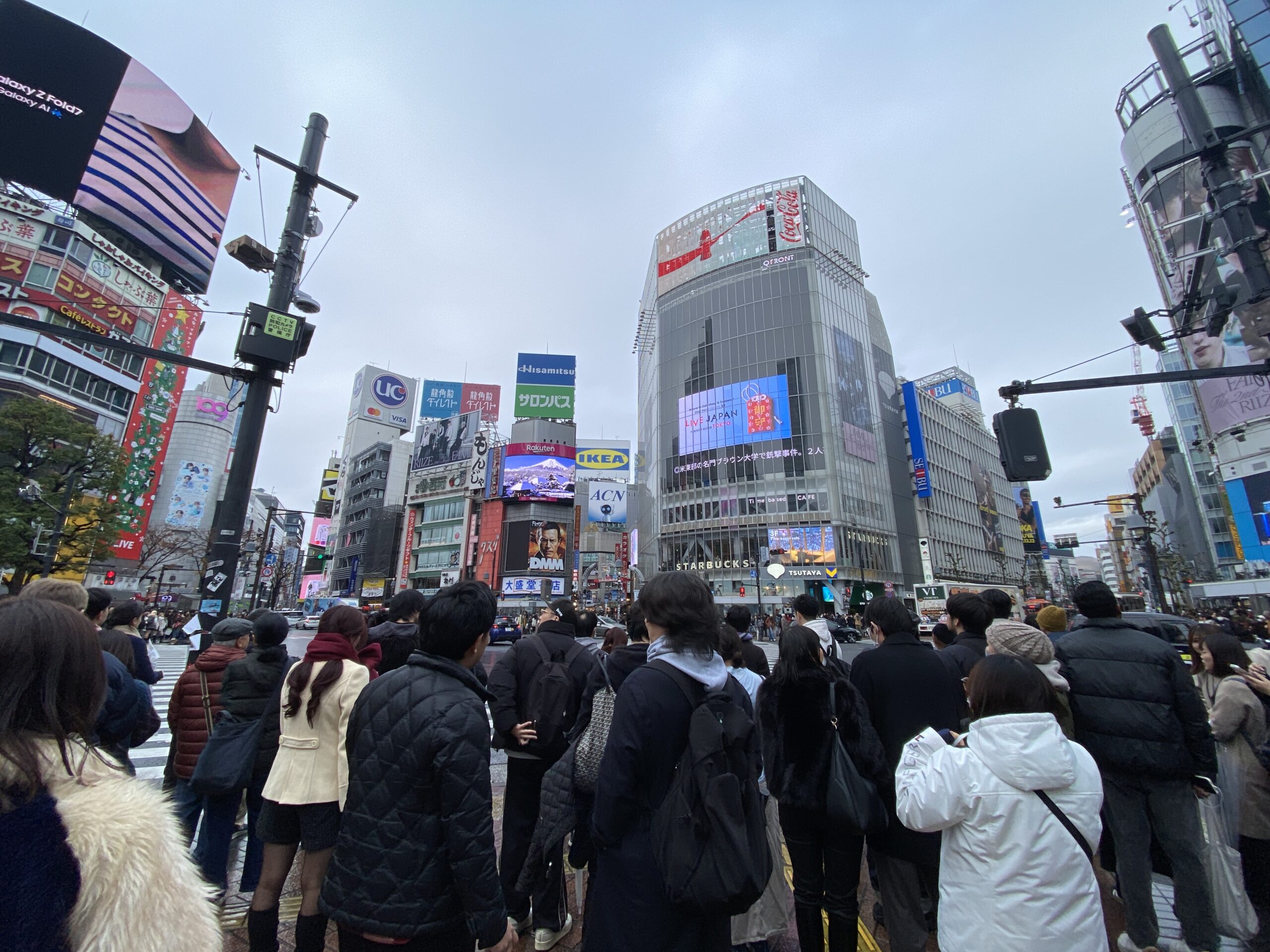
My Reality Check: Lost in Shibuya and Shinjuku
Let me paint you a picture. My husband wanted to buy an iPhone 17 in Japan (it was cheaper than in NZ or Korea – yes, we checked). So we headed to Shibuya and Shinjuku, where all the big electronics stores are.
Simple plan, right? Find a store, buy a phone, done.
Except:
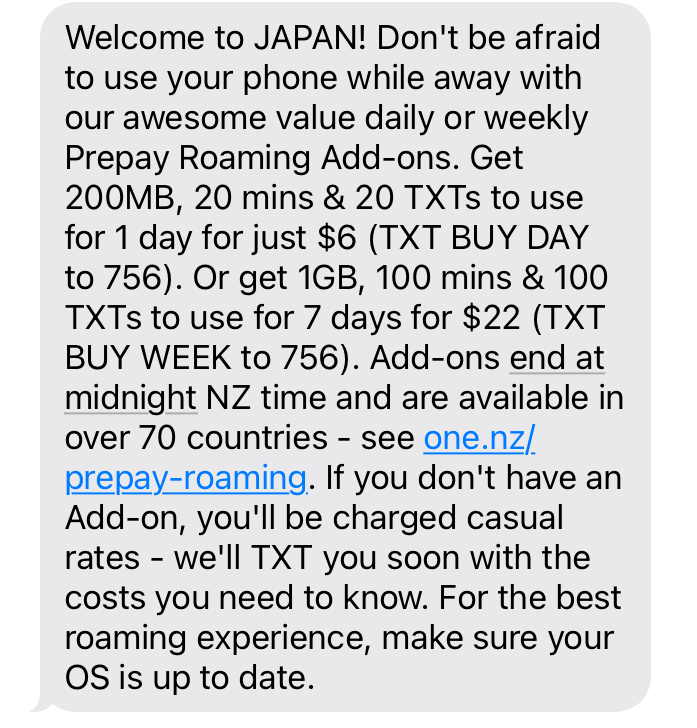
- My paid roaming plan kept dropping. I’d paid for a week-long data package from my NZ carrier, but for some reason, it barely connected in Tokyo. When it did work, it would drop within minutes.
- Shinjuku Station is a literal dungeon. Even locals get lost there. It’s a multi-level maze with over 200 exits. Finding the right exit to reach a specific electronics store? Nearly impossible without stable internet.
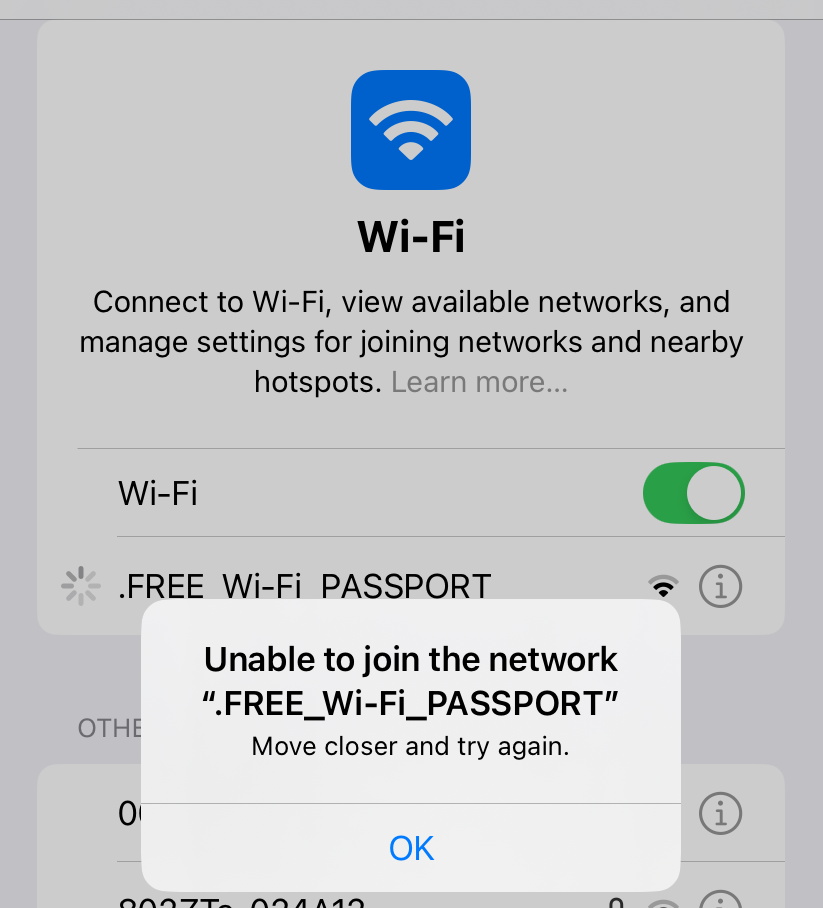
- The “free” Wi-Fi wasn’t actually free. It was a puzzle. I’d find a Free Wi-Fi signal, try to connect, enter my email, wait for the authentication link… and by the time it loaded, the signal would drop again.
- Electronics stores are scattered and specialised. Bic Camera Hachiko Exit store in Shibuya? They sell phone accessories but not actual phones. You need to walk to the East Exit branch for that. Without Google Maps, I was just wandering.
The result? I spent more time hunting for Wi-Fi than hunting for the phone. (We eventually found the iPhone at a Yamada Denki in a quiet Yokohama suburb, of all places.)
A Quick Note: Why Japanese iPhones Are Different
Sidebar: If you’re buying a phone in Japan, be aware that Japanese iPhones cannot silence the camera shutter sound, even in silent mode. This is a legal anti-voyeurism measure. It’s a small but important cultural difference that reflects Japan’s approach to public safety.
How to Actually Stay Connected in Japan
Based on my hard-learned lessons, here’s what I recommend:
✅ Best Option: Buy a SIM/eSIM Before or at the Airport
Why: It’s the most reliable way to ensure constant connectivity.
Where to buy:
- Before you arrive: Purchase an eSIM online (companies like Airalo, Ubigi, or Japan-specific providers). This is often cheaper than airport prices.
- At the airport: If you forget, Narita and Haneda both have SIM vending machines and counters in the arrival halls.
Important tips when buying at the airport:
- Choose “domestic Japan use” SIMs. Some vendors also sell SIMs for travellers leaving Japan. Make sure you’re buying the right one.
- Big-name brands (JAL, NTT, Rakuten Mobile) are pricier. Don’t be afraid to check the smaller vendors. On my previous trip to Japan, I bought from an unknown company at a counter (not a vending machine) that used SoftBank’s network – it worked perfectly everywhere except deep in the mountains of Wakayama (where even local phones lost signal).
- Compare before you buy. Walk around the arrival hall and check 3-4 options before committing. Airport prices vary significantly.
✅ If You’re Using Roaming: Test It Immediately
If you’re relying on your home carrier’s roaming plan:
- Test it the moment you land
- If it’s not working properly, switch to Plan B (airport SIM) right away
- Don’t assume it will “work itself out.” I lost 7 days of paid roaming that never functioned properly
✅ Free Wi-Fi Survival Guide
If you must rely on free Wi-Fi:
Where it actually works:
- Airports (Narita and Haneda are reliable)
- Airport buses
- Some Starbucks and McDonald’s locations
- Hotel lobbies
How to use it:
- Expect to register with your email every time
- The page might be in Japanese—look for メールアドレス (email address) and 登録 (register)
- Download offline maps before you lose connection
- Don’t rely on it for navigation in busy areas like Shinjuku or Shibuya

Conclusion: Stay Connected, Stay Sane
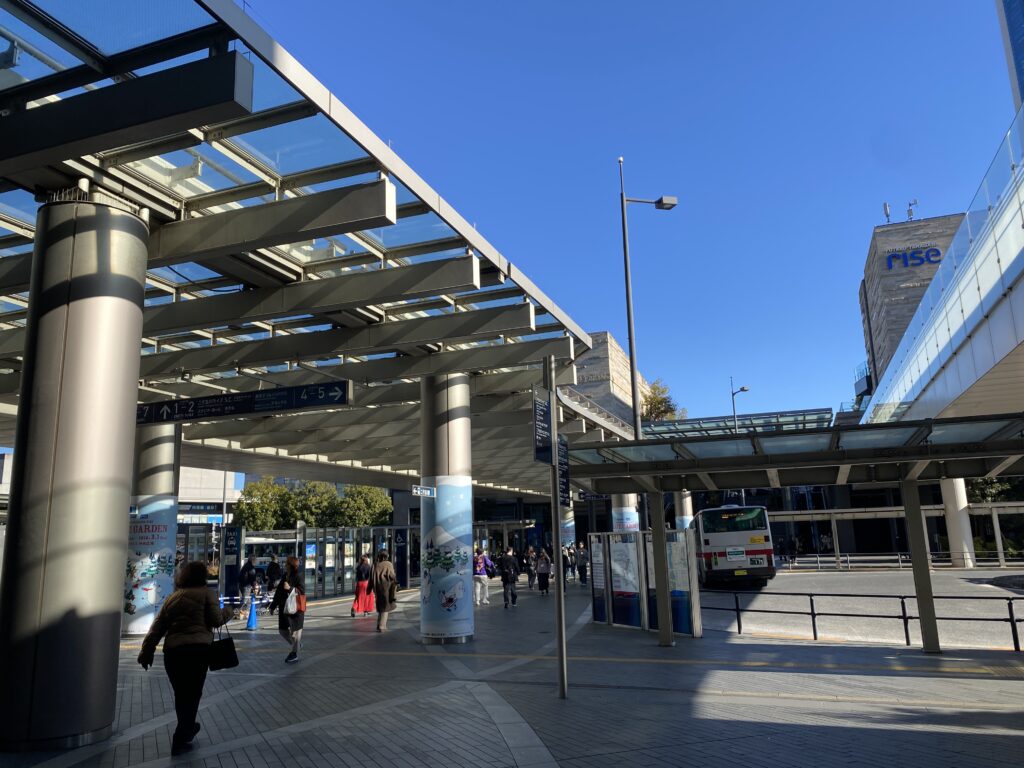
Tokyo’s incredible – until you’re standing at the wrong exit of Shinjuku Station with no data, trying to connect to Wi-Fi that keeps timing out.
The lesson? Japan’s connectivity isn’t bad – it’s just different. And if you’re prepared, you can avoid the frustration I went through.
My recommendation: Invest in a proper data SIM or eSIM. The $30-50 you spend will save you hours of stress and keep you from wandering Tokyo like a lost tourist who paid for data but still can’t find the phone store.
Have you dealt with Japan’s Wi-Fi maze? I’d love to hear your stories—drop a comment below or share this with a friend who’s planning a Japan trip. Let’s help each other navigate this beautifully complicated country. 🇯🇵